Browse all guides
Sketch Overview
Follow the numbered steps. Click any picture to see it bigger.
Prefer watching? There’s a video lesson for this guide
How to Sketch
Sketching Tools Explained
Create Sketch
Create a scene or edit an existing scene
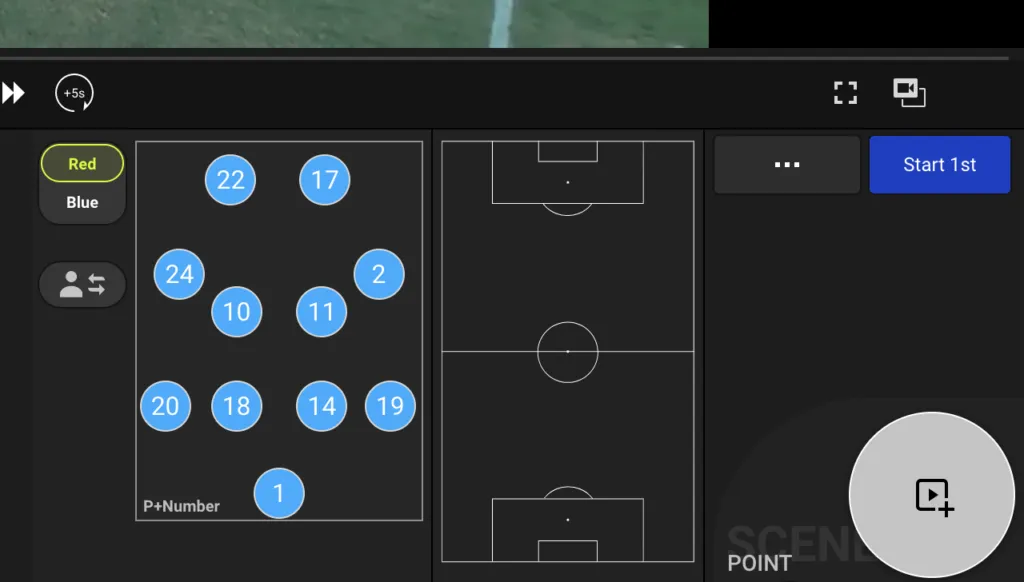
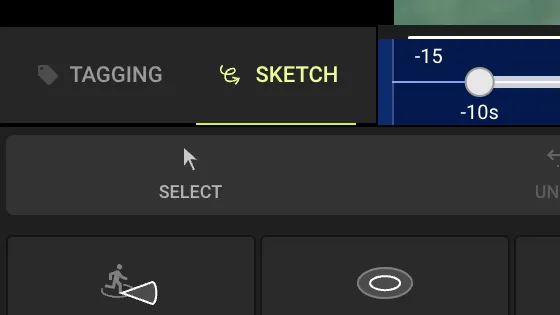
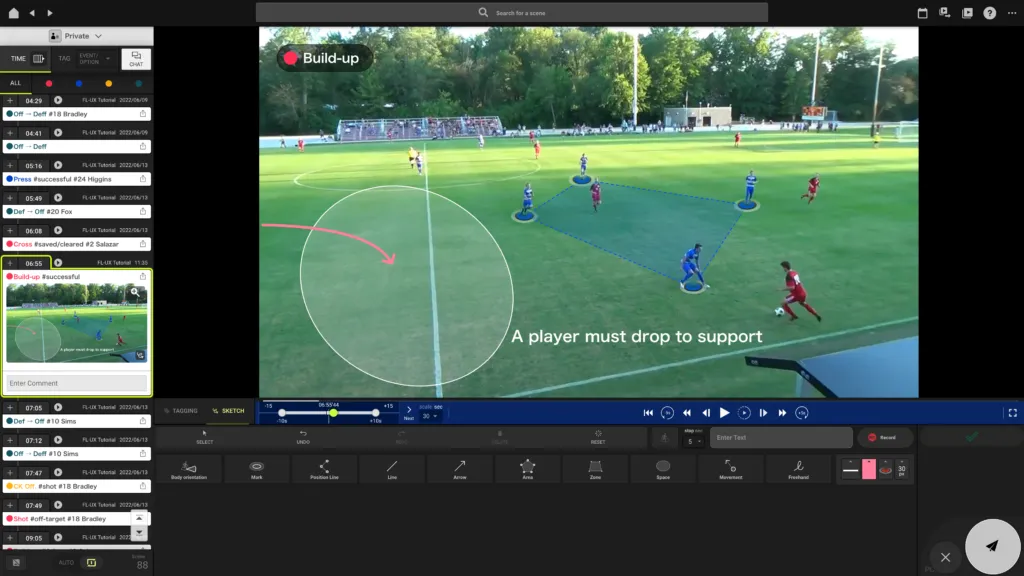
Make sure sketch is selected
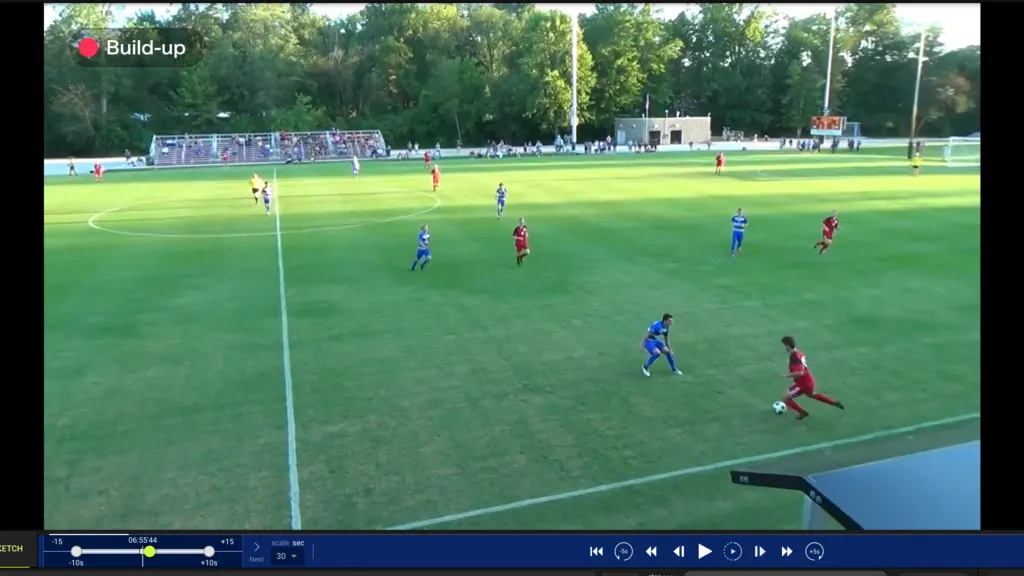
Find the moment to draw your sketch by playing the video clip
Frame-by-frame control is useful here to use
Use the sketching tools to draw on the video directly
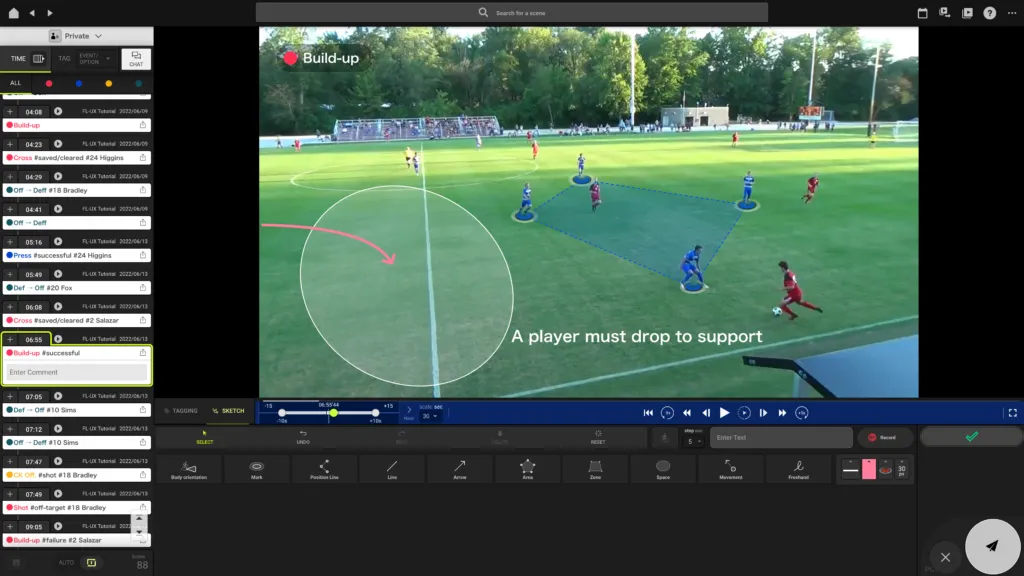
Make sure to click on the green check to save the sketch before previewing or making another sketch
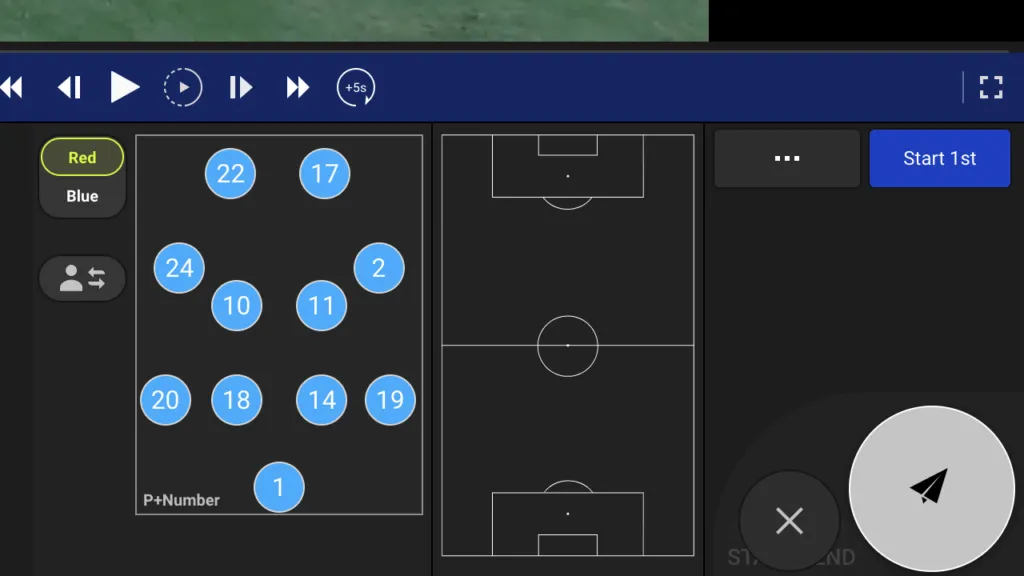
Click on the button with the paper airplane icon to save the changes made to the video clip
Edit / Delete Sketch
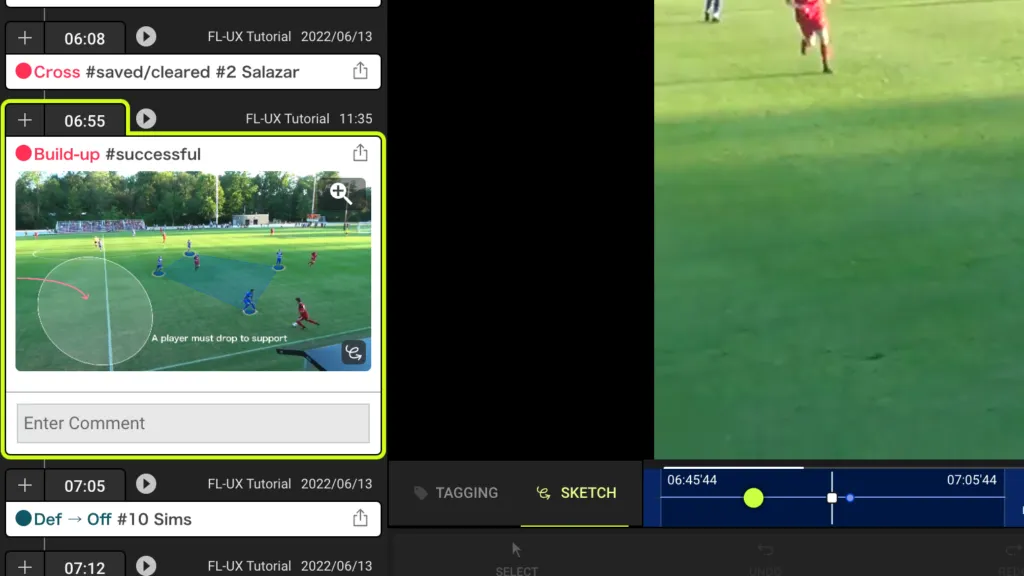
Click on the scene card from the left side of the screen
When selected, it will have a bright yellow border
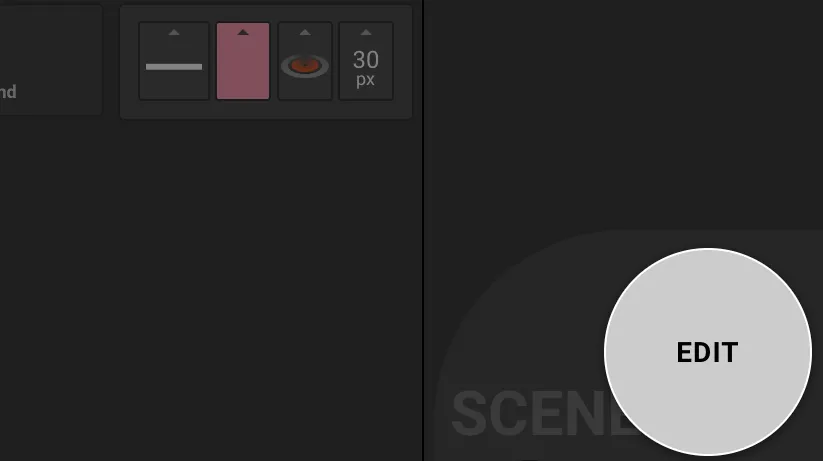
Click on the edit button on the bottom right corner
Play the video clip and pause the video when sketch shows up
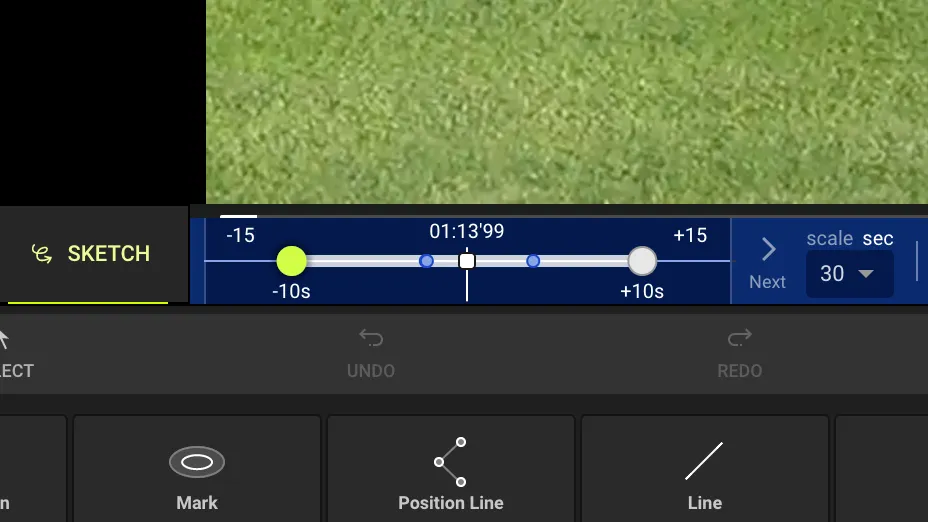
TIP: Location of sketches
The tiny blue dot on the video clip timeline is the location of the sketch
Draw new objects using the sketching tools
Or use the controls; select, undo, redo, delete, and reset to modify the drawing
Use reset to delete the sketch entirely
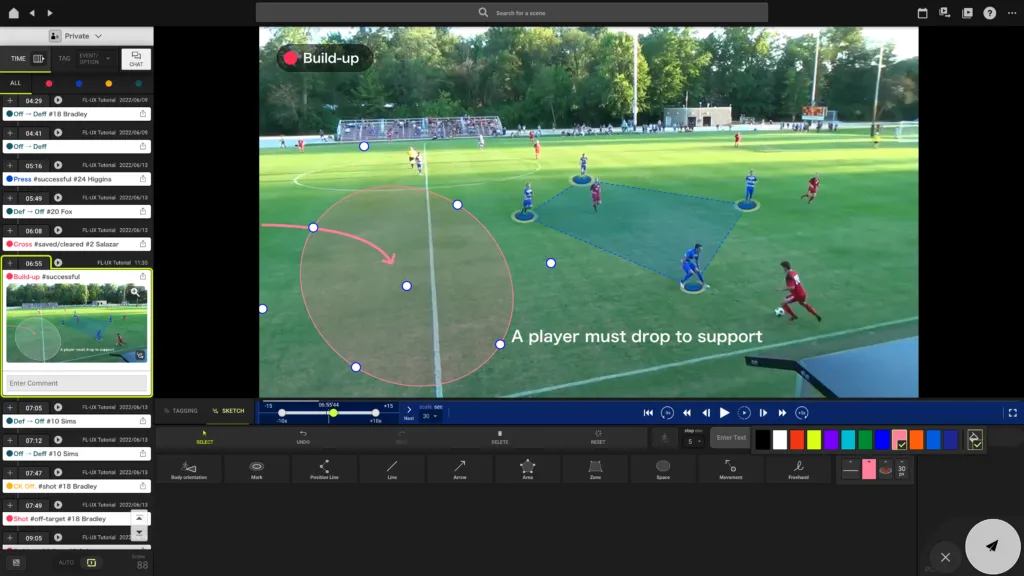
When you are finished with editing your sketches, click on the green check to save the change
Click on the button with the paper airplane icon to save the changes made to the video clip
Style Sketch
Use the select tool and click on an element
When selected, white dots will appear on the screen
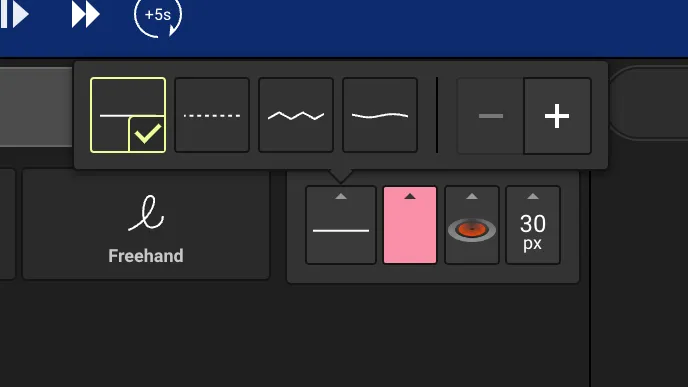
Style Line
Select the line style from the menu (solid, dashed, zigzag, wave)
Change the line thickness by pressing “+” or “-”
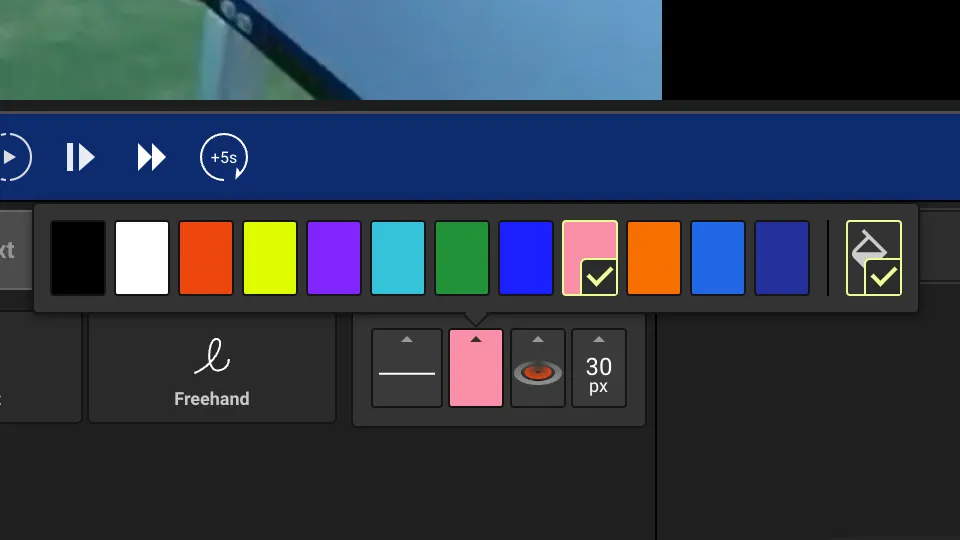
Style Color
Select the color of the element from the menu
The bucket icon at the far right indicates the color fill for objects such as area, zone, and space
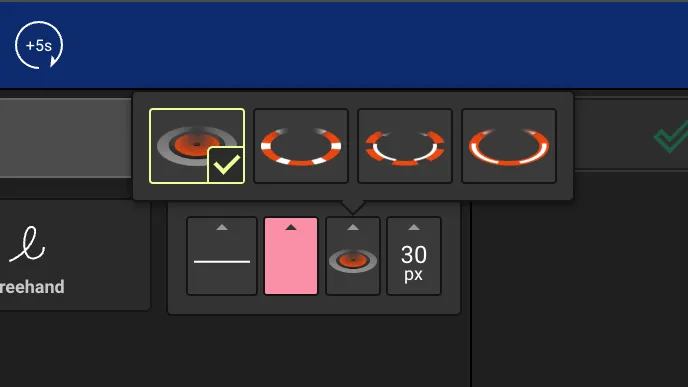
Style Marker
Select the marker style from the menu
This only applies to mark, area, and movement objects
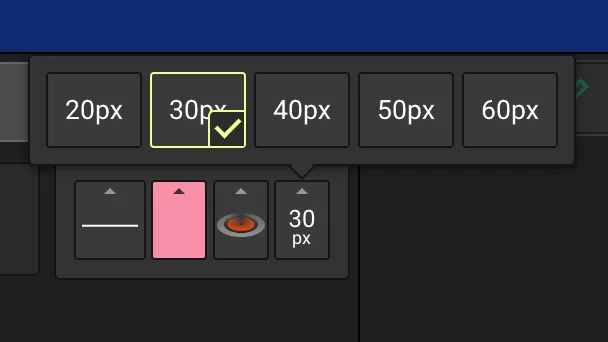
Style Marker Size
Select the marker size from the menu
This only applies to mark, area, and movement objects
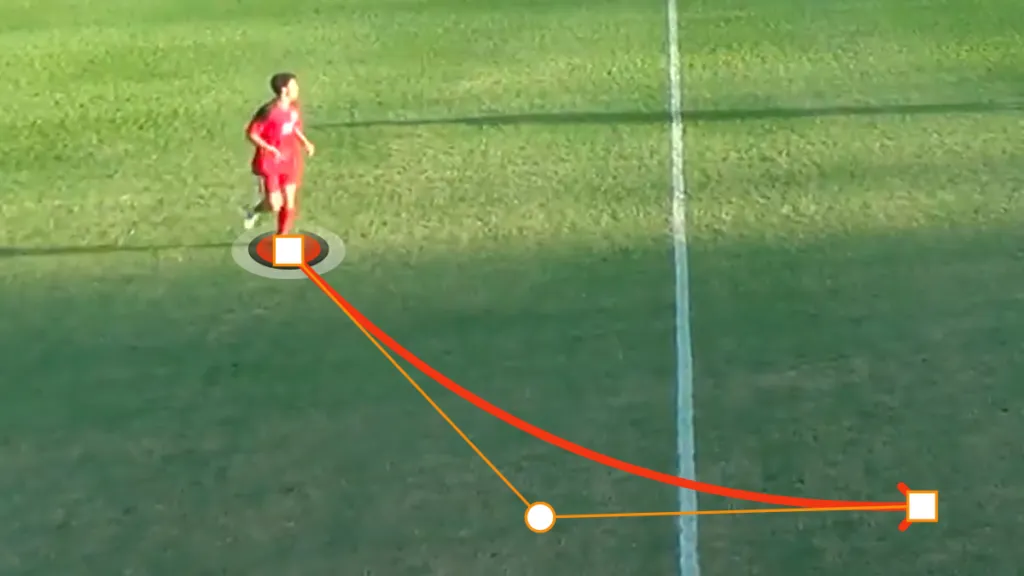
Bend Lines
Select the object
Click and drag the dot in the direction of the bend
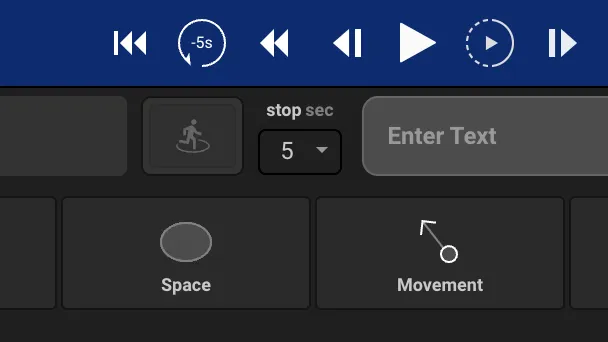
Set Pause Duration
Select the time the video clip stops to show the sketch from the dropdown menu