Browse all guides
Offline Mode
Offline ModeCustom Layout
Follow the numbered steps. Click any picture to see it bigger.
Adjust the Default Layout
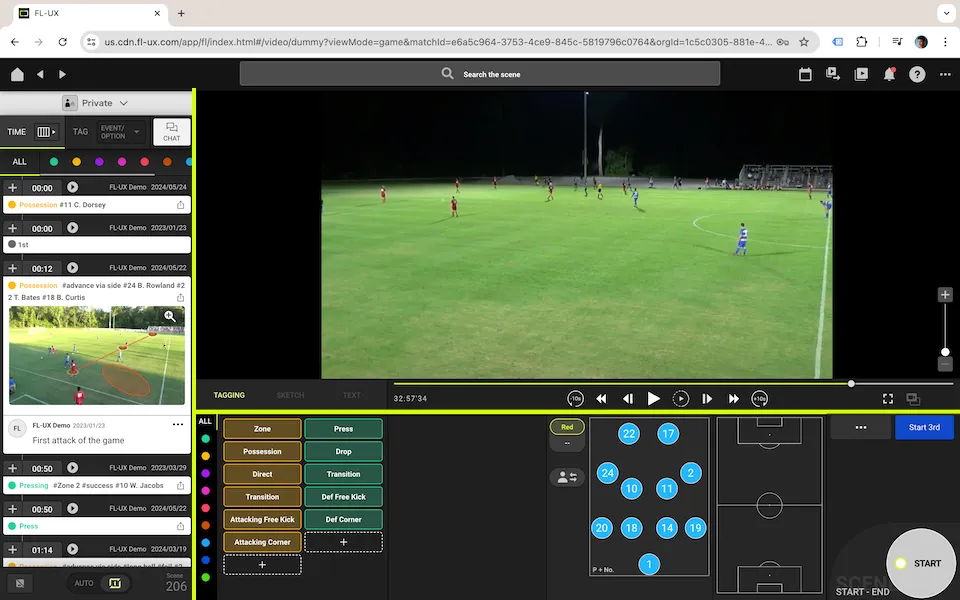
1Drag on the Edges
Place the cursor near the edges of each section and drag it to adjust the panel sizes.
You can drag on the yellow lines shown on the left (only available when using a browser)
Enter Full Screen
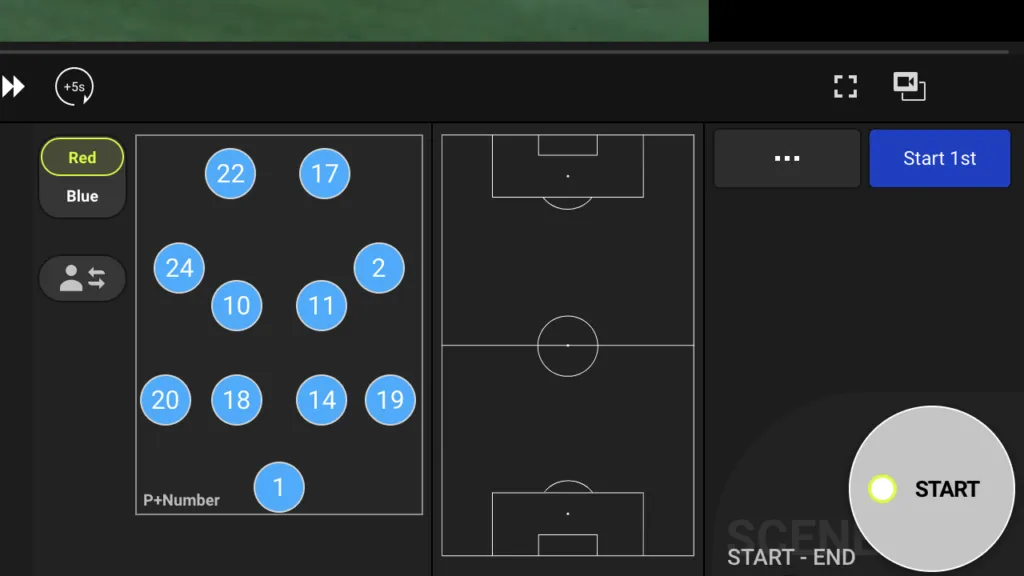
1Enter Full Screen
Click on the button located on the bottom right of the video to enter full screen
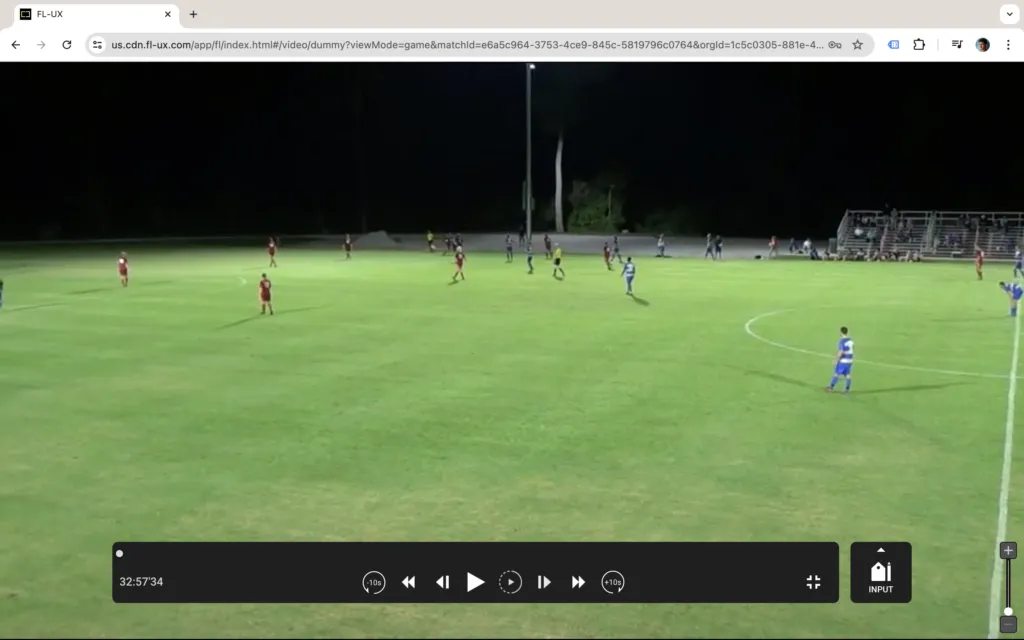
2Separate Video and Tagging Board
Click on INPUT to separate the video and the tagging board. Drag each window to place on your screens to maximize the use of your monitor space.
Watch the Tutorial Video Instead
Still stuck? Check the FAQ or send us a message, and we’ll help you.