Browse all guides
Offline Mode
Offline ModeVideo Search
Follow the numbered steps. Click any picture to see it bigger.
Basic Video Search
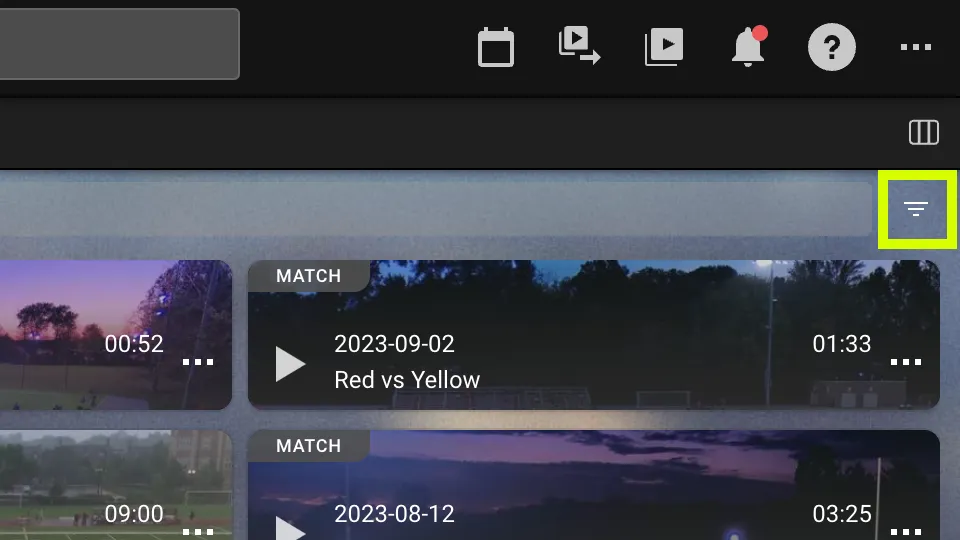
1Open Filters
Click on the upside-down triangle toward the top right of the page to open video search filters
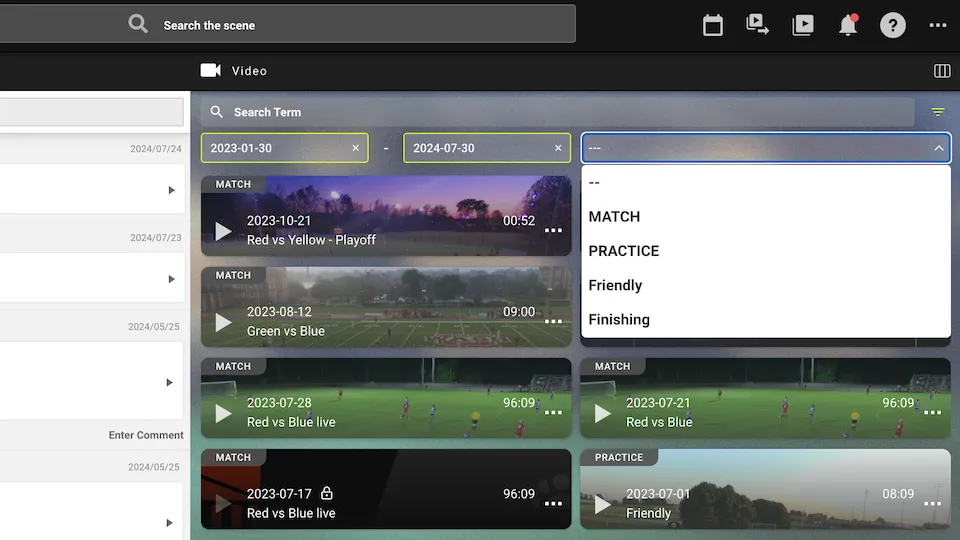
2Apply Filters
You can search the videos by time period and training type you have set up
Or simply type a keyword in the search bar
Advanced Video Search
Video Search
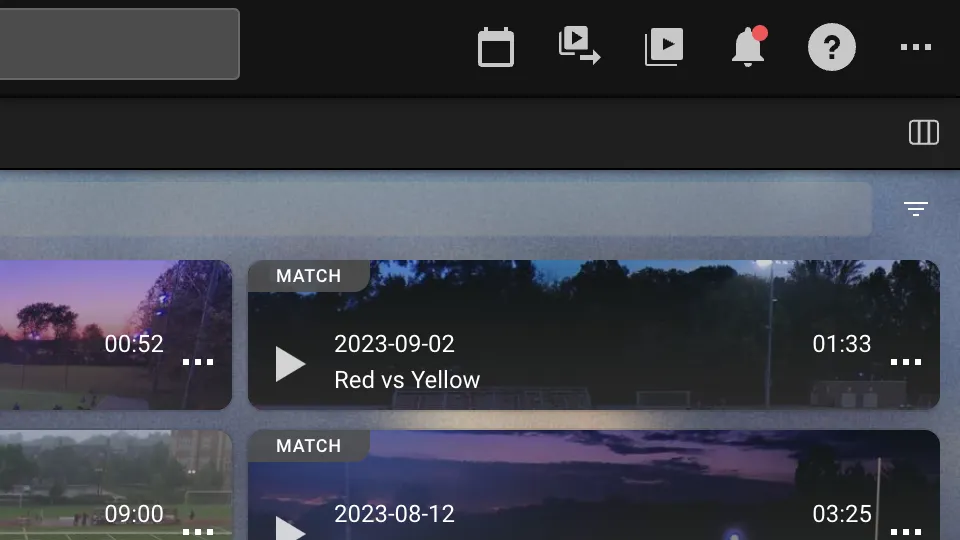
Click on the calendar icon from the top left of the page to open video search
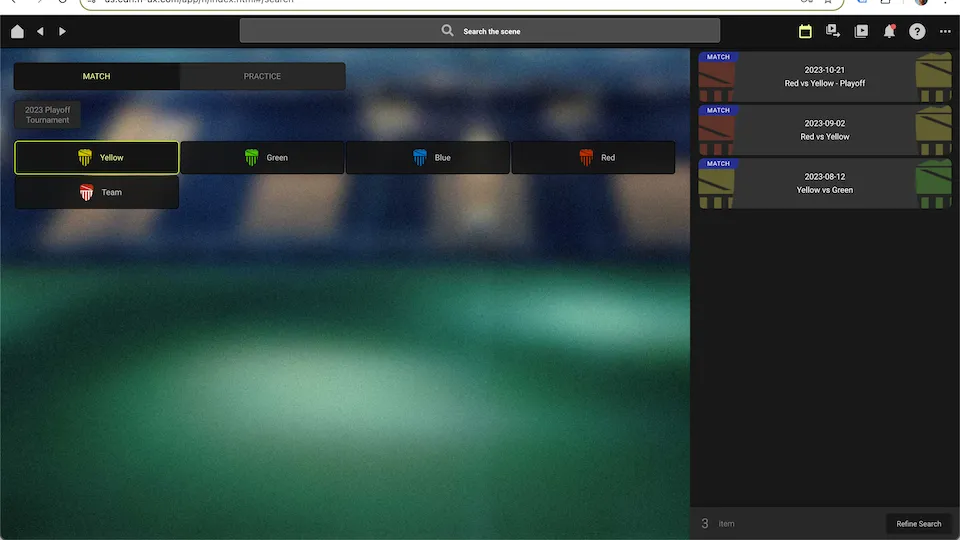
Match Filter
Select MATCH from the top left
Filter by teams or type of matches that you have registered
The results are shown on the right side of the page
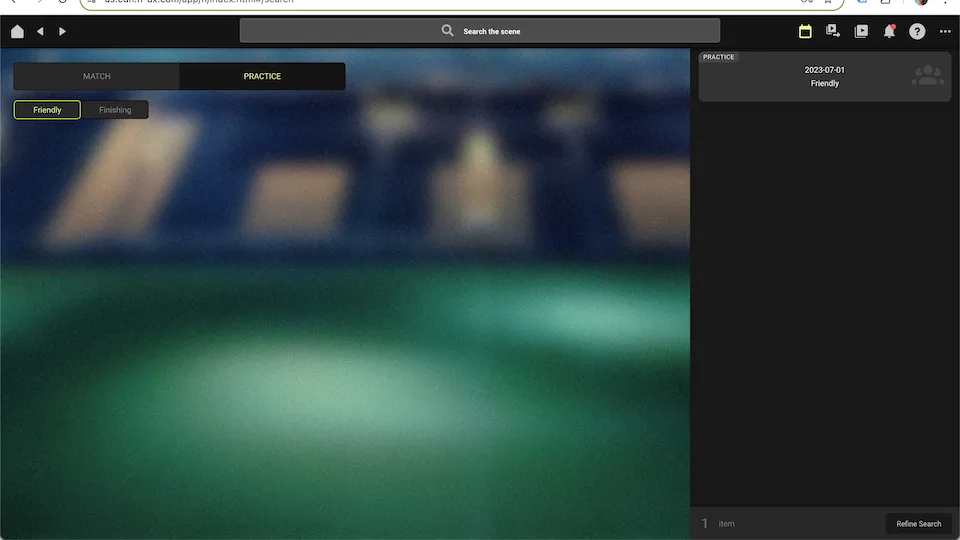
Practice Filter
Select PRACTICE from the top left
Filter by the training types you have set up
The results are shown on the right side of the page
Still stuck? Check the FAQ or send us a message, and we’ll help you.