Browse all guides
Scene Search
Follow the numbered steps. Click any picture to see it bigger.
Filter Types
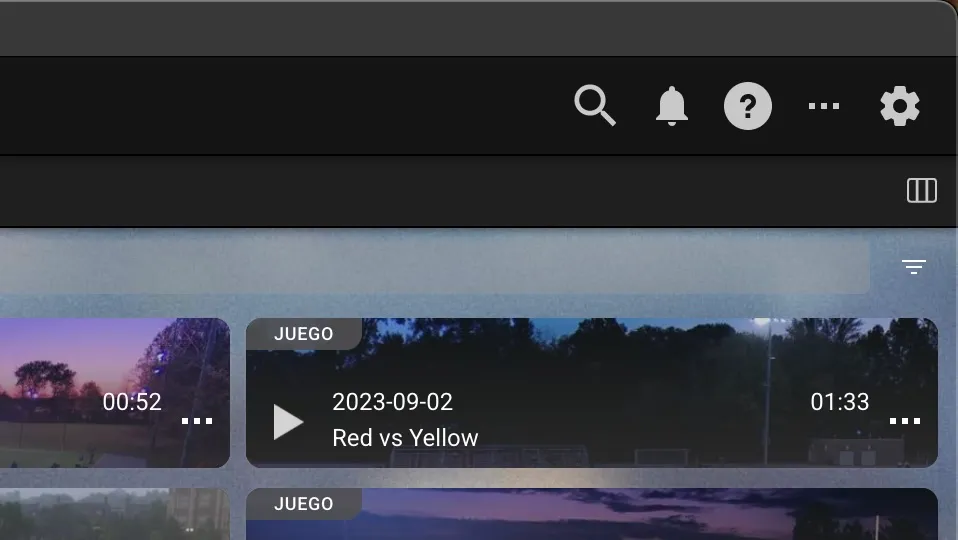
Scene Search
To use scene search, click on the search icon at the top left of the screen
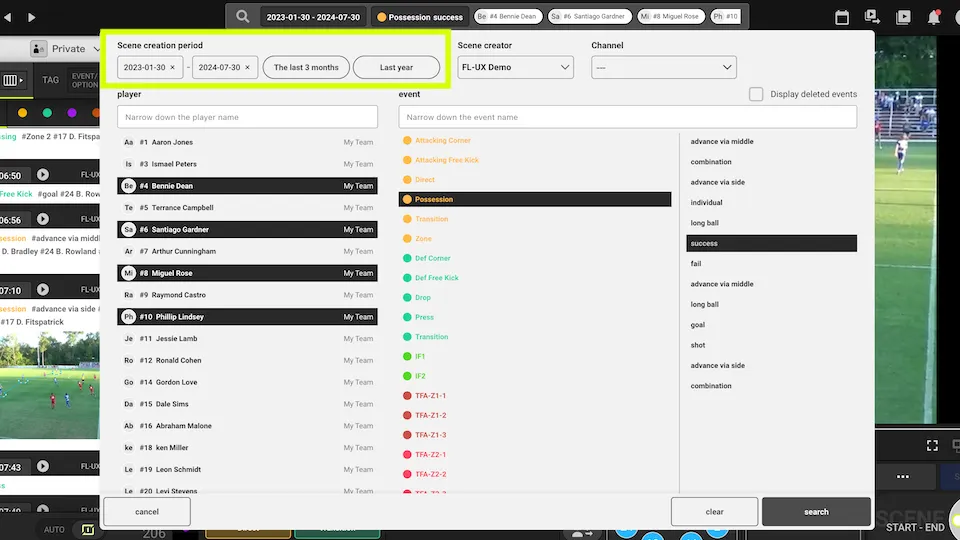
Time Filter
You can search your entire account by filtering when the video clips were made from the top left
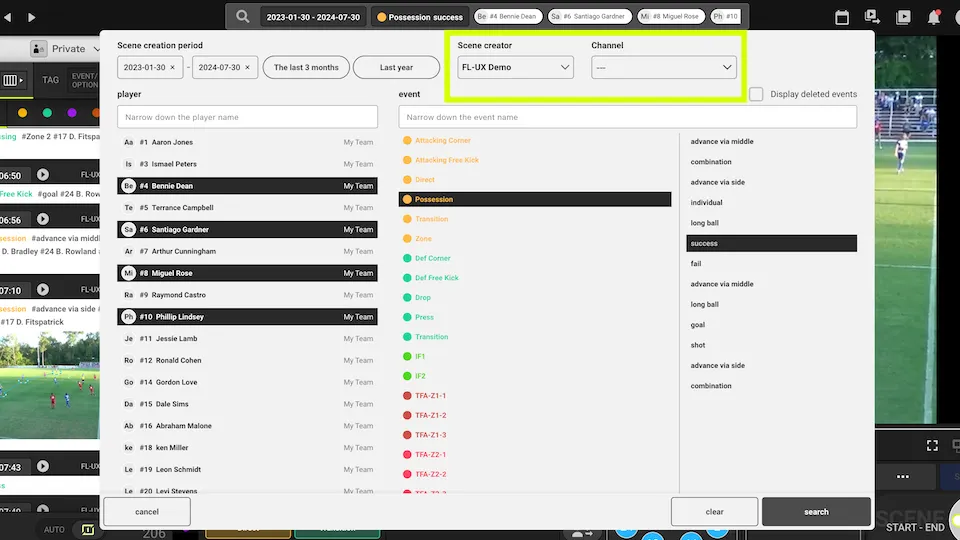
Creator and Channel Filters
You can search the account by filtering creators of the video clip and specific channels
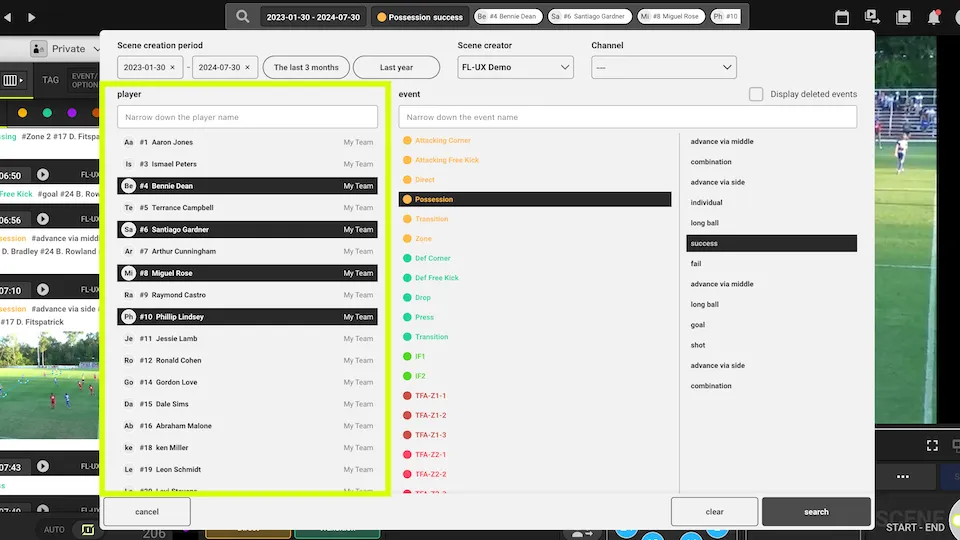
Player Filter
You can search the account by filtering for specific players
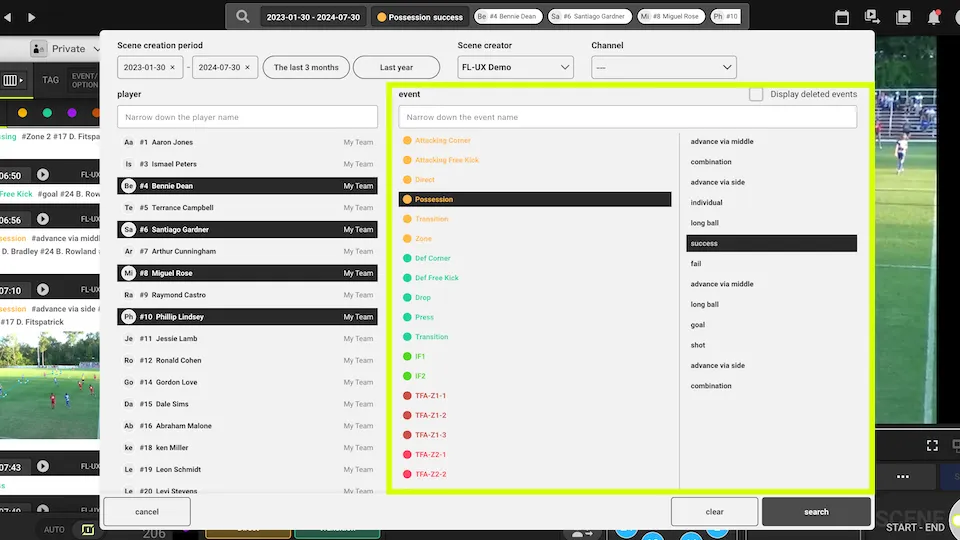
Event-Option Filter
You can search the account by filtering for specific event tags and option tags
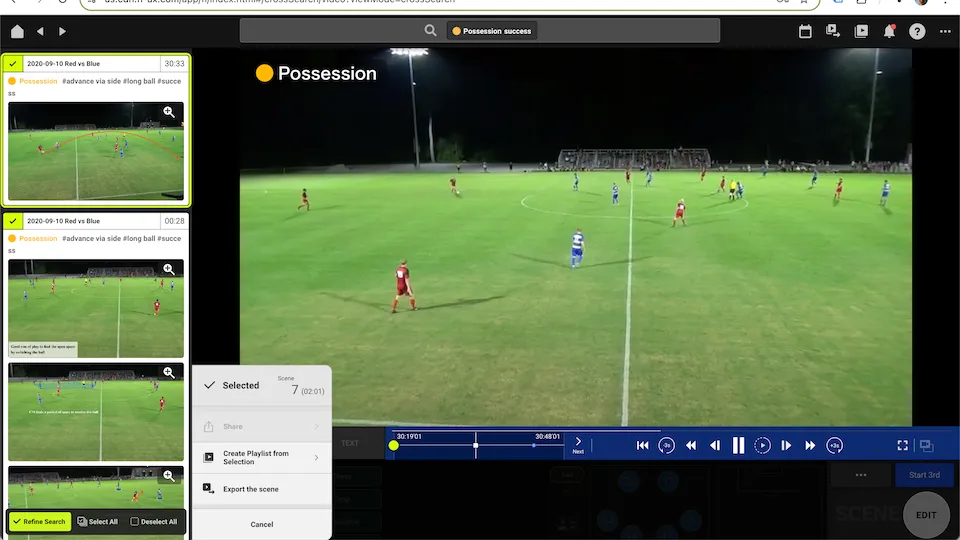
Create a Playlist from the Search Result
Click on the search icon at the top of the page
Configure the filters for your search
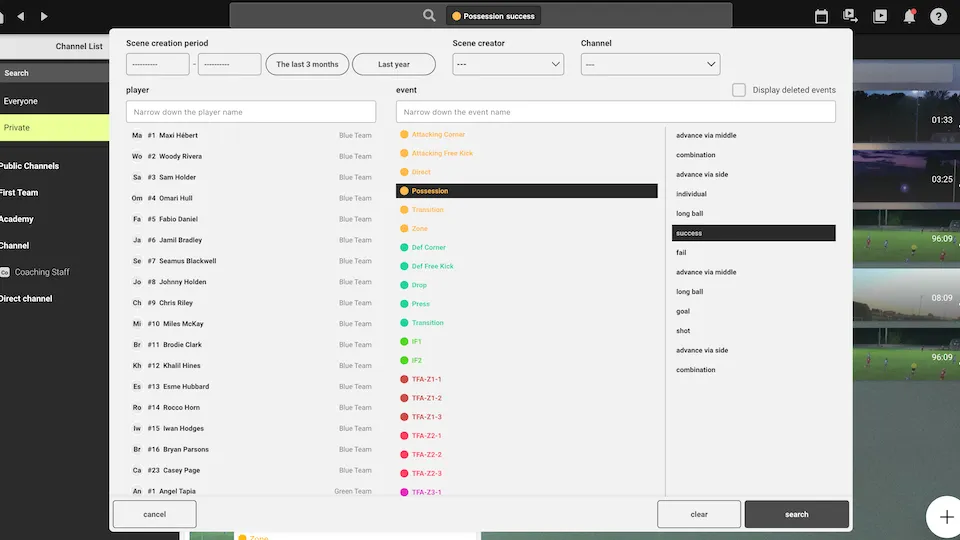
Click on “+” to select which video clips to include in the playlist
TIP: It is often quicker to click Select all first, then use the Refine Search button and click the video clips you don’t want to unselect them.
Follow the usual steps to create a playlist